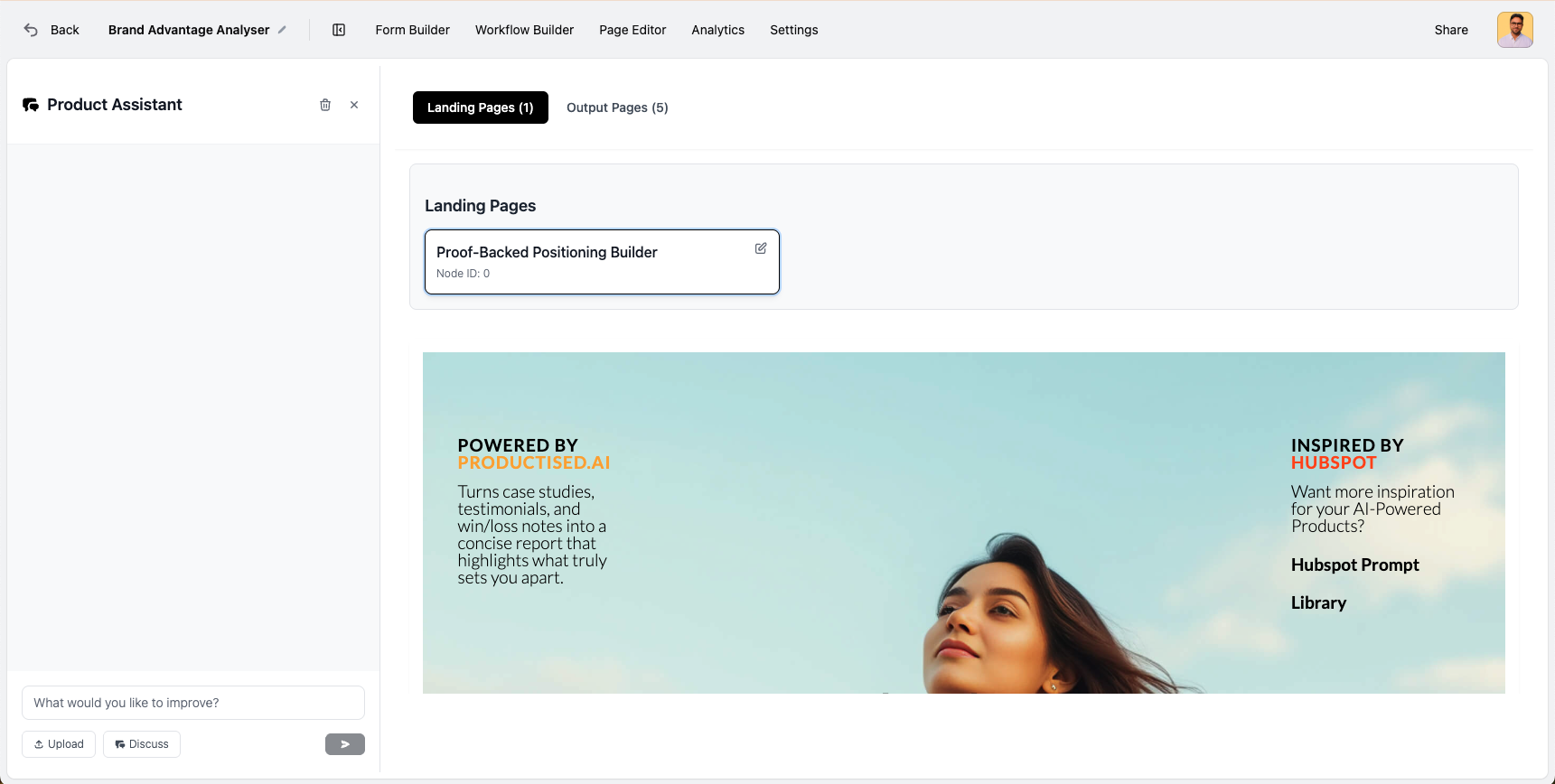
After you have created your landing page and output pages, you can now view them in a new tab called 'Page Editor'. This menu item will only show after a page has been created.
It allows you to quickly view the pages you created, without opening the full page builder. You can then select the edit icon to open the page builder to make further edits OR head to the workflow builder and select the page node, and edit the page that way.
We built this view to make it easier for power-users to quickly view their created pages.