
To add your logo and branding to products you create in the system, go to the 'settings' tab in a product you have just created.
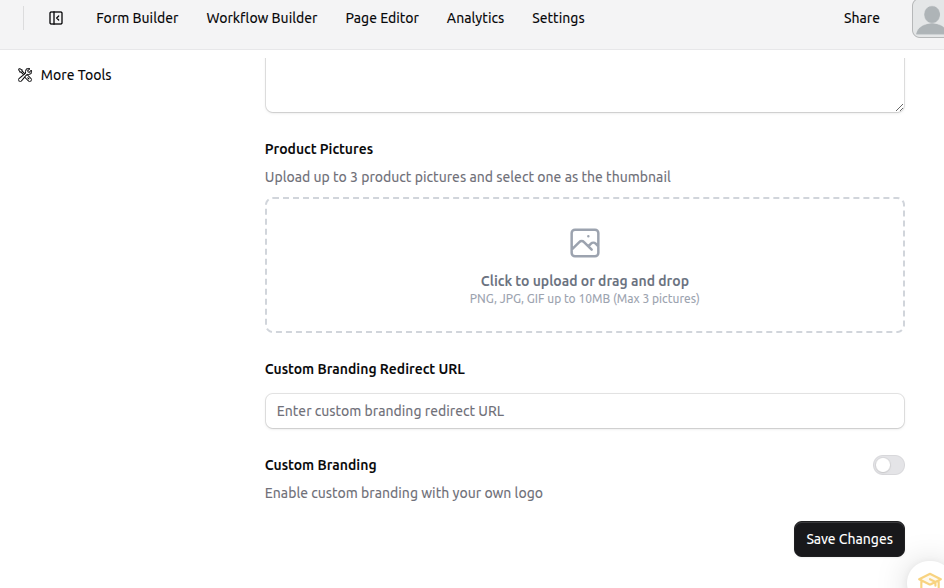
The customization options then appear for Product Pictures, Custom Branding URLs and Logos
1. Product pictures: This is where you can add thumbnail images for your product
2. Custom branding redirect URL: add your URL of choice which will redirect prospects to your website when they click on your logo.
3. Custom branding: Add the logo image of your choosing that prospects will see when they interact with your product.