How to Configure Variables in Productised
The use of dynamic variables is an excellent way to populate your branding elements and other distinctive features across all your products and have them presented to the end user in a repeatable fashion every time the product is interacted with by a prospect or client.
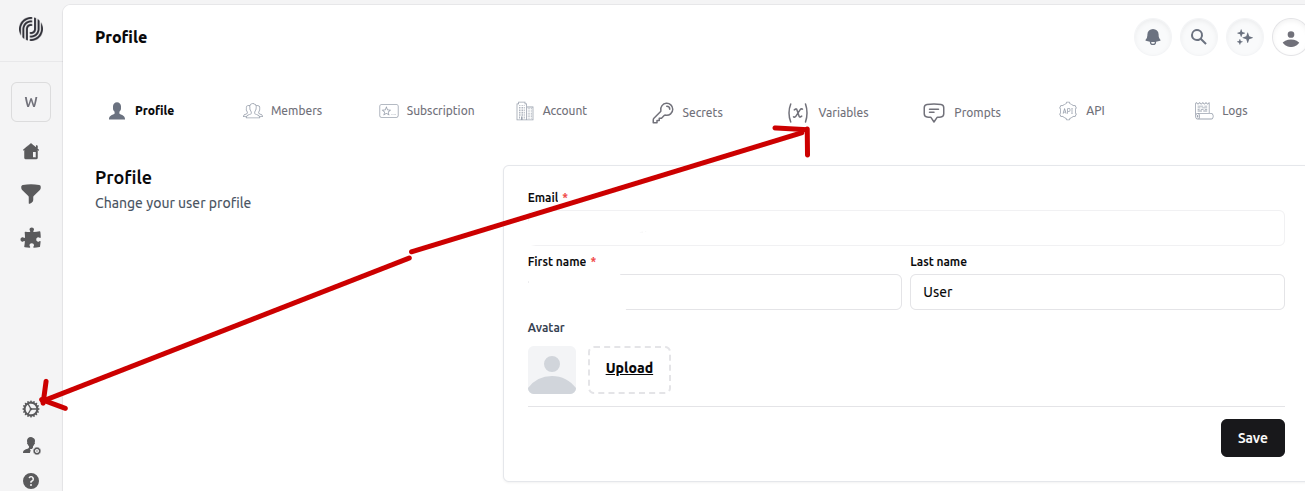
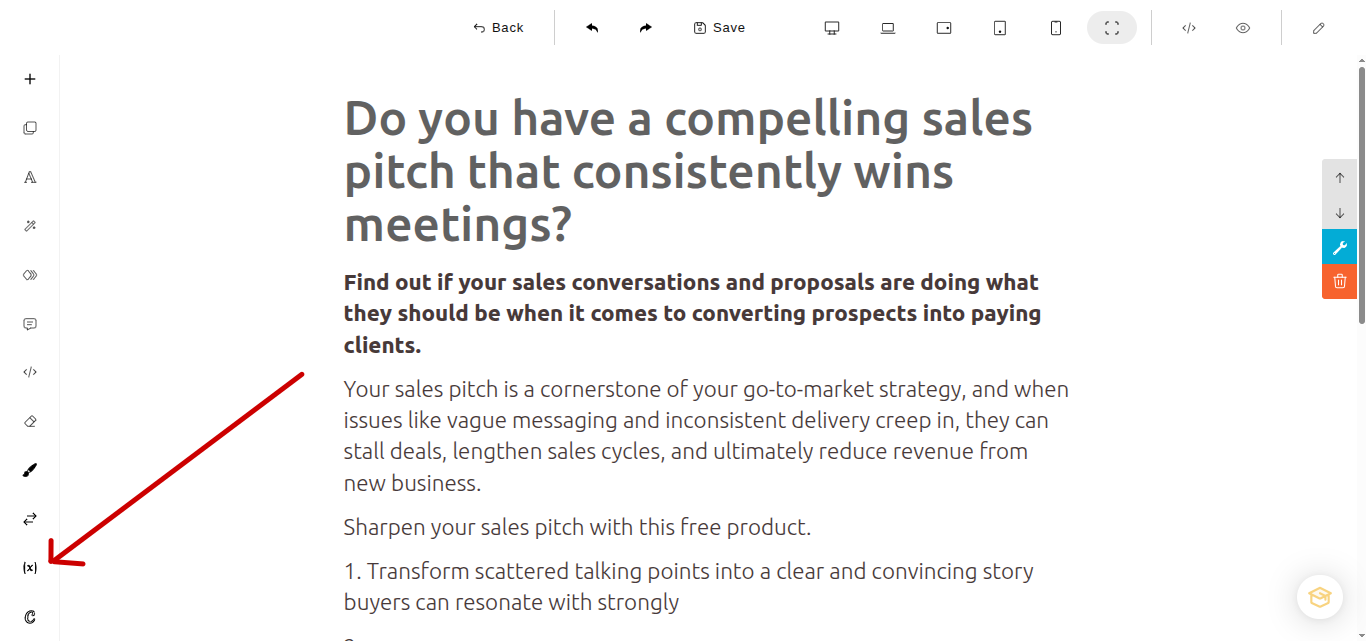
Head to your user profile settings > variables to configure global variables that can be pulled into any AI products you have created, just by adding the specific variable tag. For instance you could configure a variable key entitled first_name and set the variable value to a name, for this example Amanda. Now you can add this variable throughout your product designs. For instance in the page builder select 𝑥 - select 'custom' then select your predefined variable such as first_name from the list.
For an even easier way to add global custom variables in the page builder, simply use the '@' key in the page builder, scroll down in the menu that appears and you will see all the custom variables you have created alongside your form variables and object variables.