
Introduction
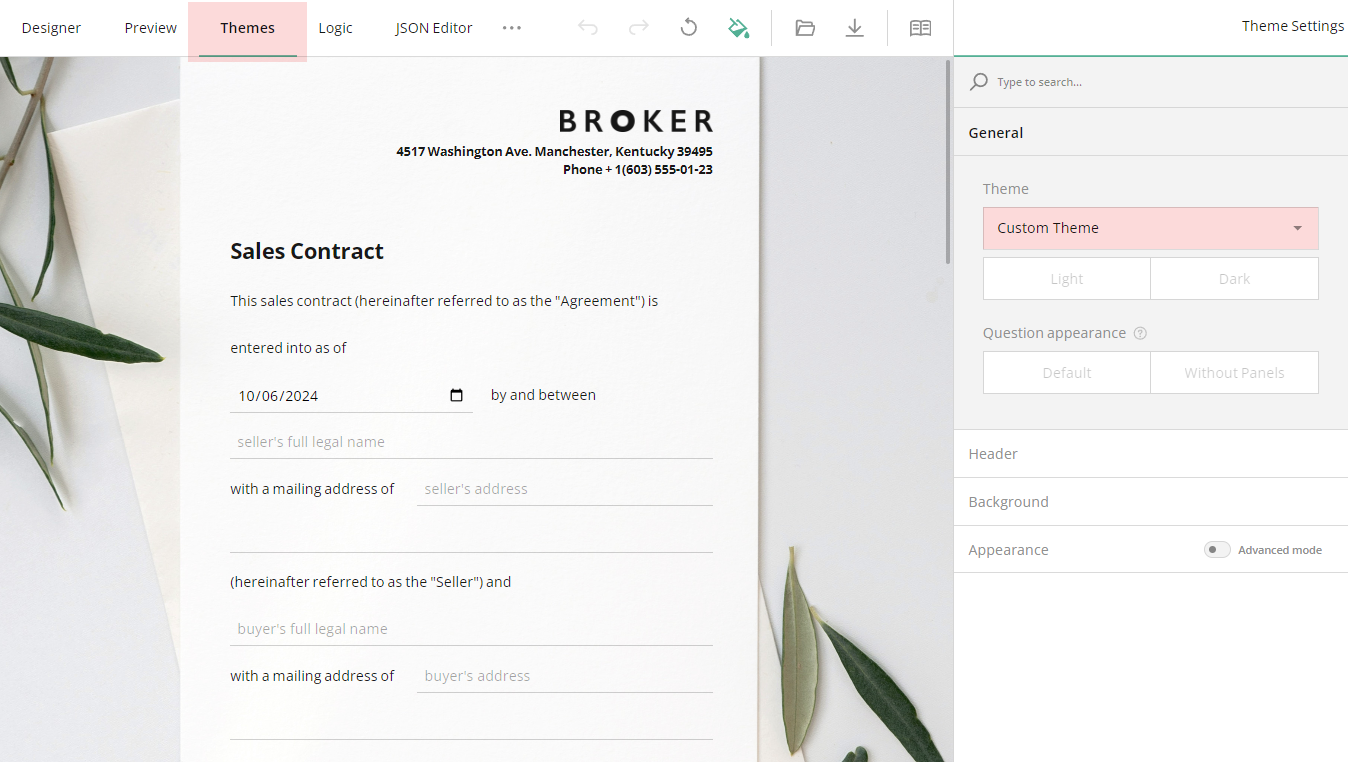
Our form builder incorporates an inbuilt theme editor which allows you to customize the appearance of your form quickly and easily without the need for code and CSS hassles. We recommend you begin with predefined themes and tailor them according to the needs of your business and market.
To customize your form design, open the themes tab in the form creator
1. Choose and Apply a Theme
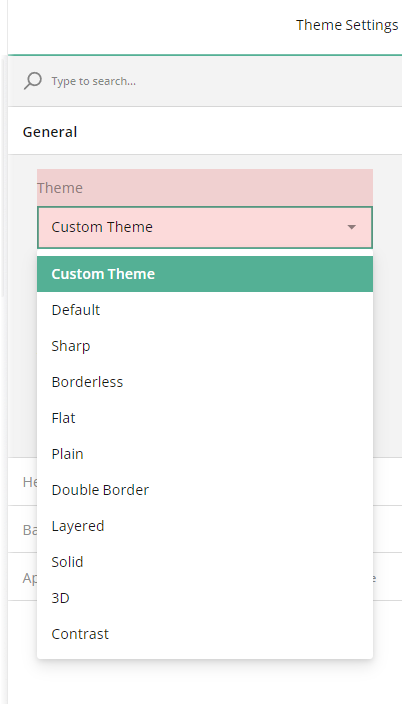
The Theme Editor comes with a collection of predefined themes that provide a great starting point for customizing your form. Each theme supports dark mode and a more compact view without panels, which gives you a total of 40 different theme variations right out of the box.
To apply a new theme, locate the Theme drop-down menu under the General category and select a theme from this menu:
2. Enable Dark Mode
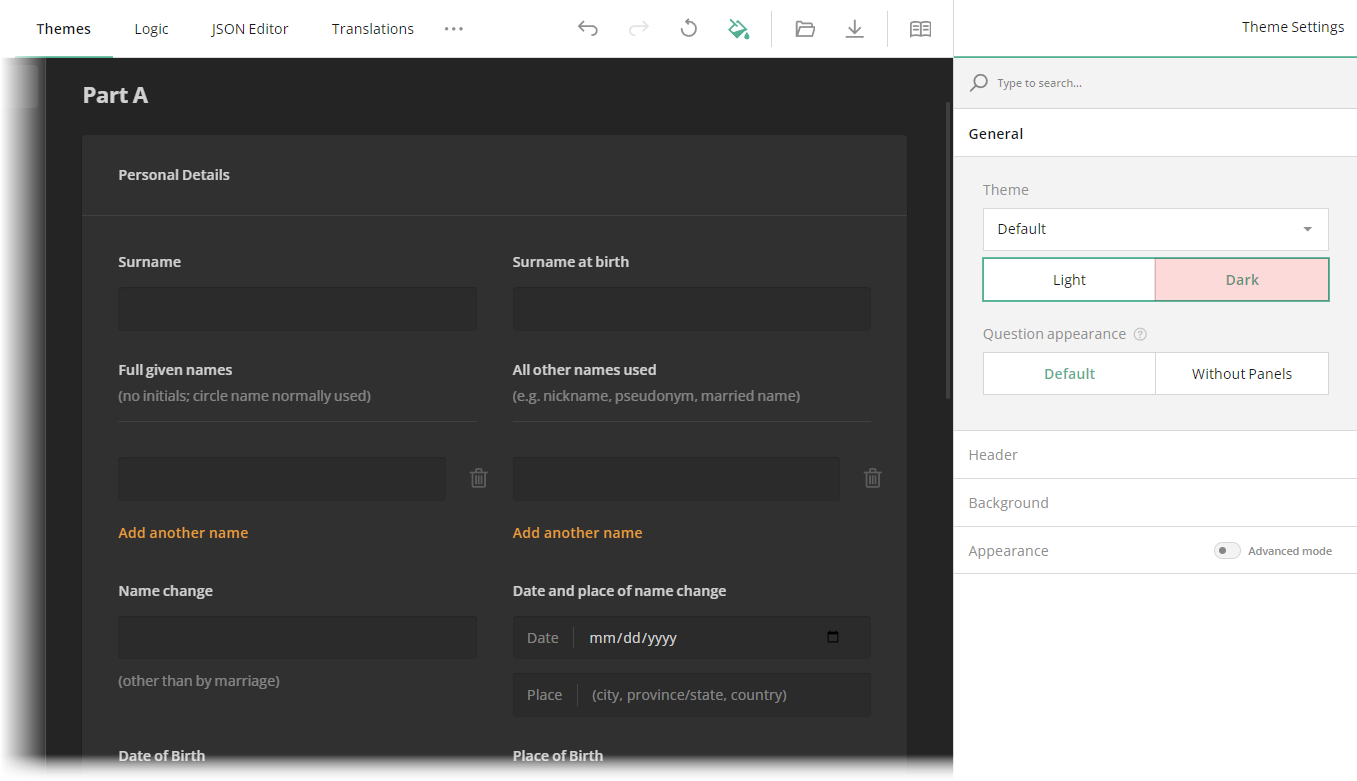
Dark mode provides a smooth, modern appearance that's easier on the eyes, especially in low-light environments. To enable this mode, switch the Light/Dark toggle to Dark:
3. Display Questions Without Question Boxes
In the Form Creator, every element includes an input field and a question box—an area that frames the question content and separates it from the form background.
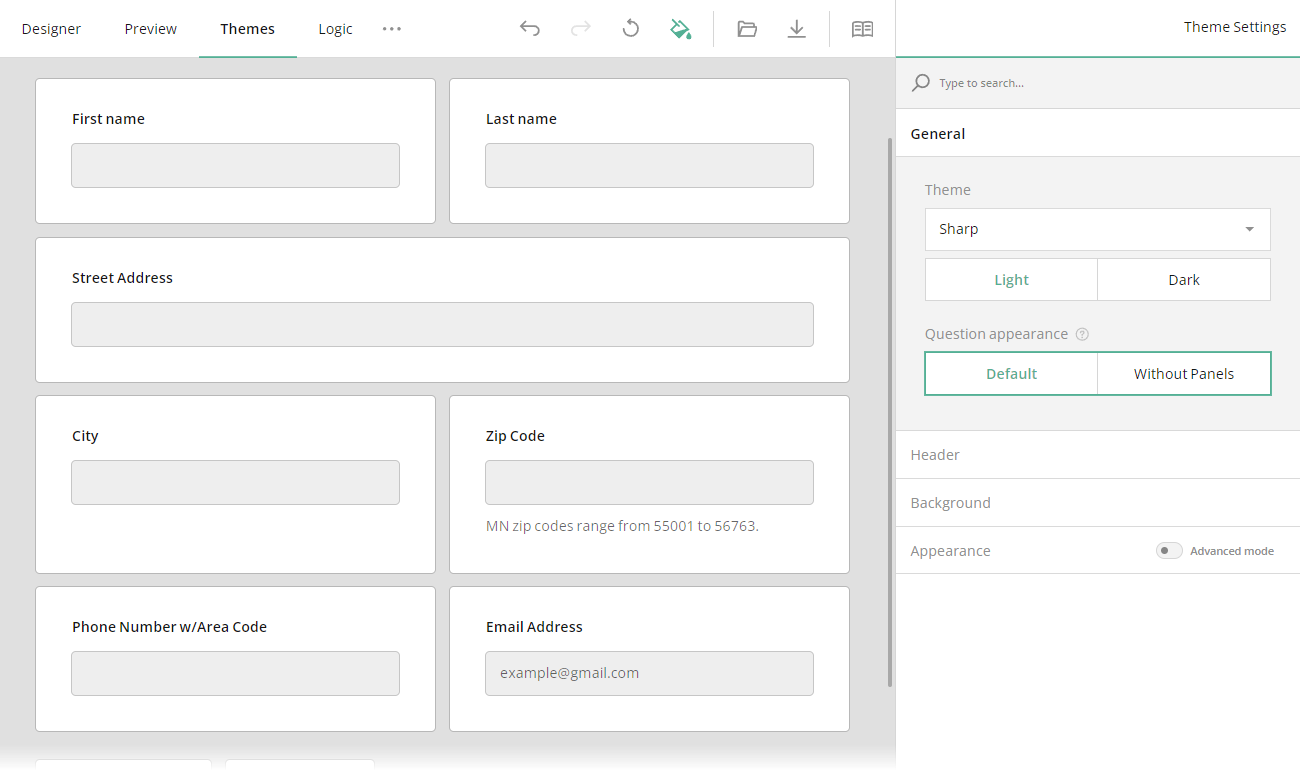
The Theme Editor allows you to remove the question boxes for the questions that are not nested within a panel, resulting in a lighter and more compact overall appearance.
To display questions without their individual question boxes, locate the Question appearance setting under the General category and toggle it to Without Panels:
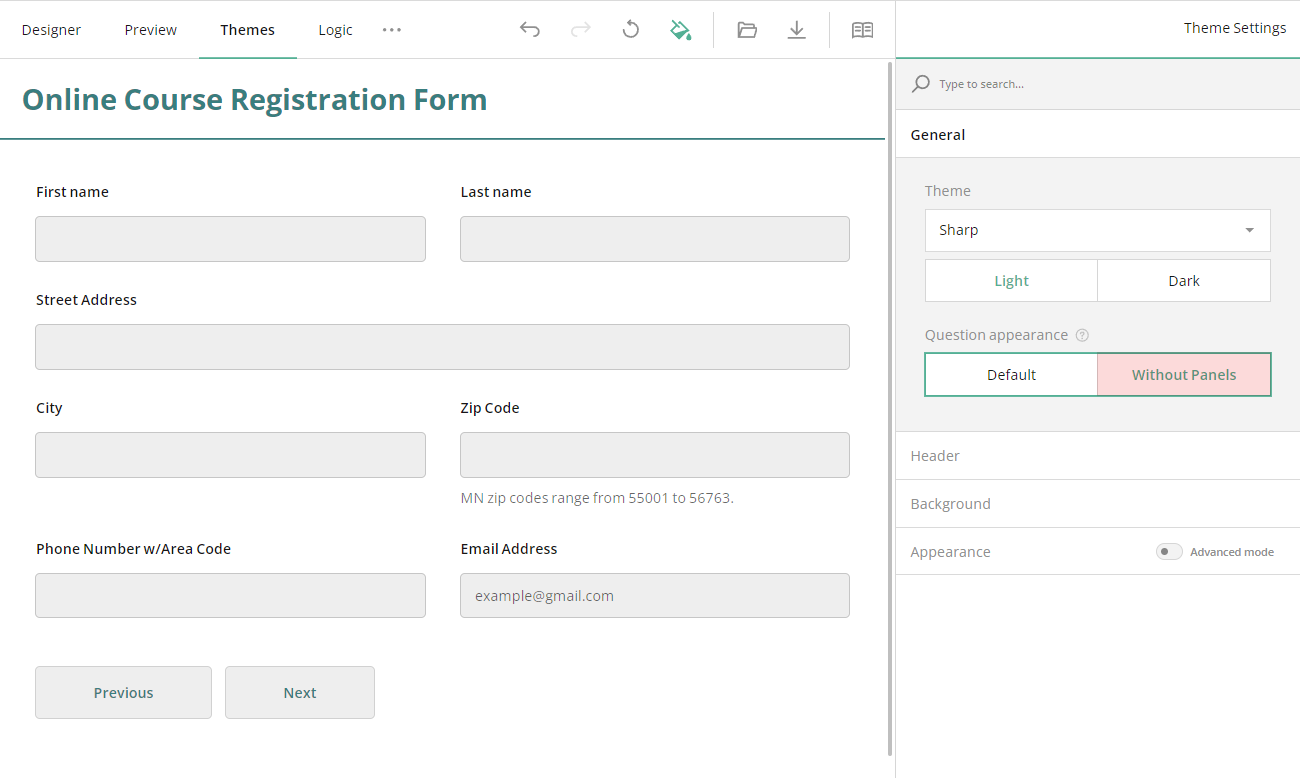
Please Note: The form builder provides you with an element called a panel (otherwise referred to as 'Section') that enables you to group several questions together and modify their settings collectively. When questions are grouped within a panel, they don't have individual question boxes. The question appearance setting and any changes you make under it will not apply to these nested questions.
4. Style the Form Header
The Theme Editor provides two levels of customization for your form header. By default, you have access to basic settings that allow you to make minor adjustments to the logo, form title, and description. For more detailed styling options, you can enable the advanced mode that allows you to fine-tune the design of the form header with greater precision.