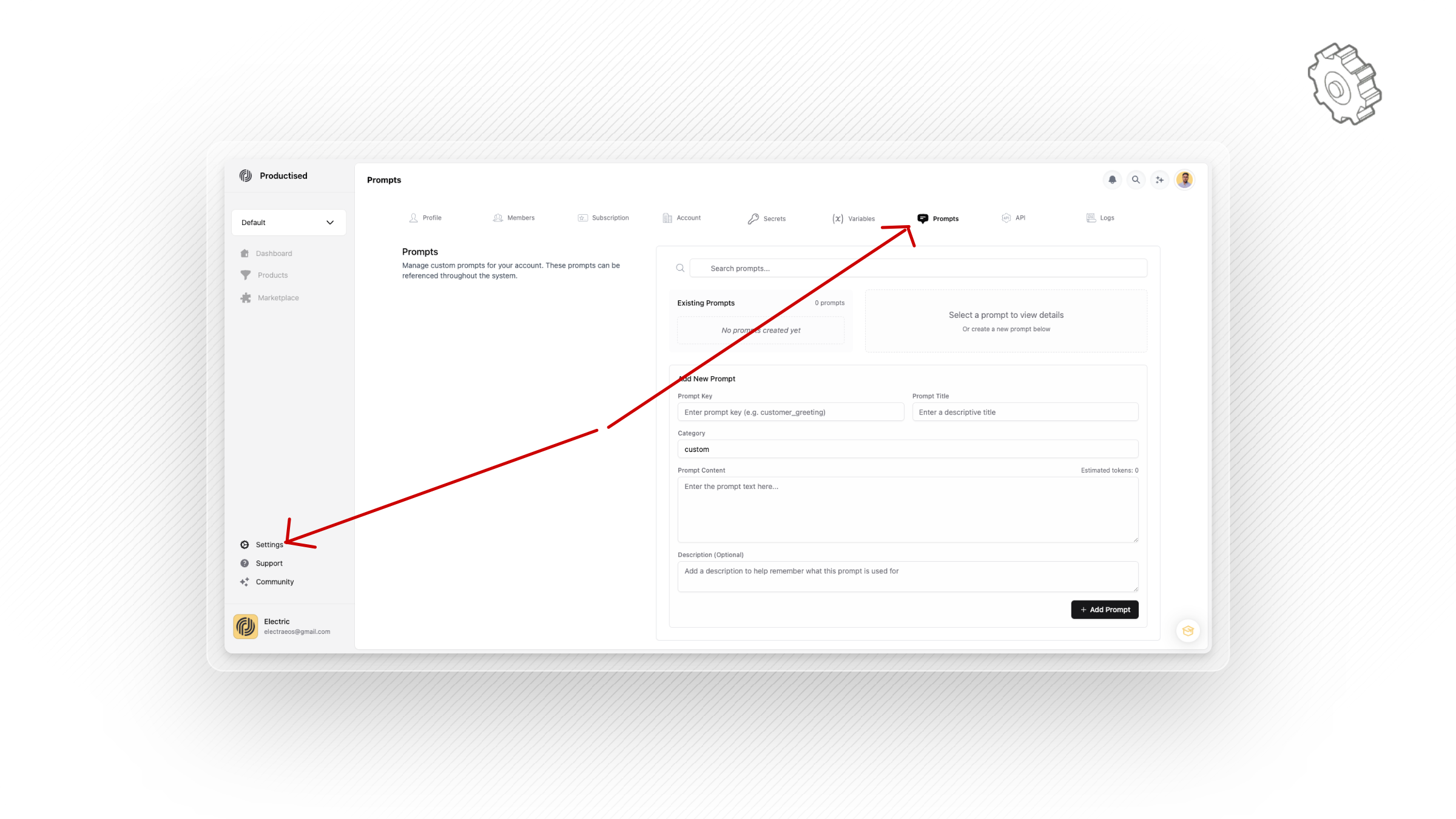
You may find it useful to curate a database of prompts which you can use throughout the Productised system.
The prompt library's also a convenient place to store all the prompts you would like to save from workflow nodes. Once saved, they can be reused across different workflows or outputs.
In order to add to your global prompt library, head to your user settings, then open the 'prompts' tab. You can search for existing prompts or add new ones from here. Enter the prompt key such as product_description, a descriptive prompt title, choose the category and then enter the prompt body text.