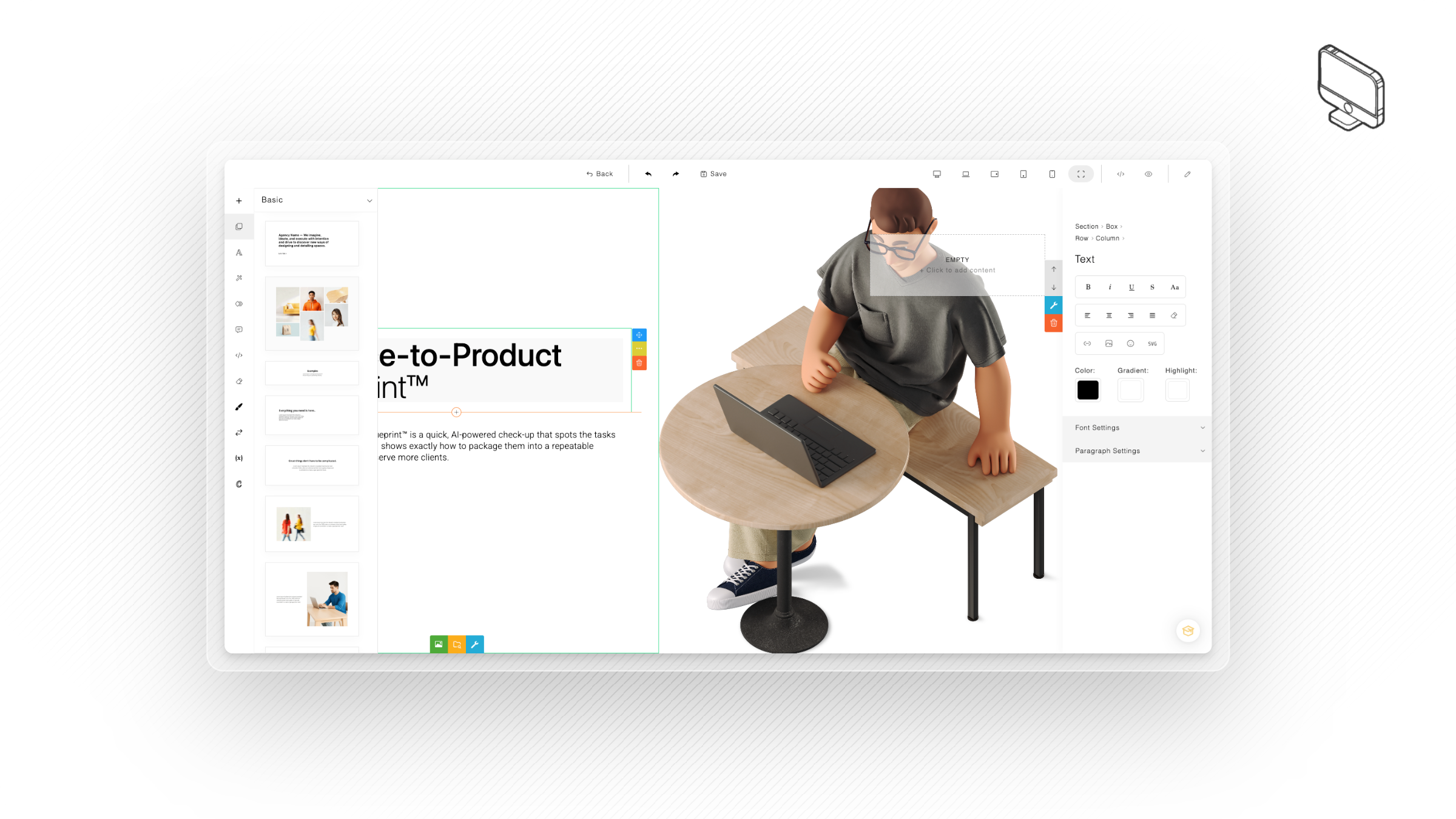
First select the landing page node in the workflow builder, and click on 'create' or 'edit' page in bottom right corner. 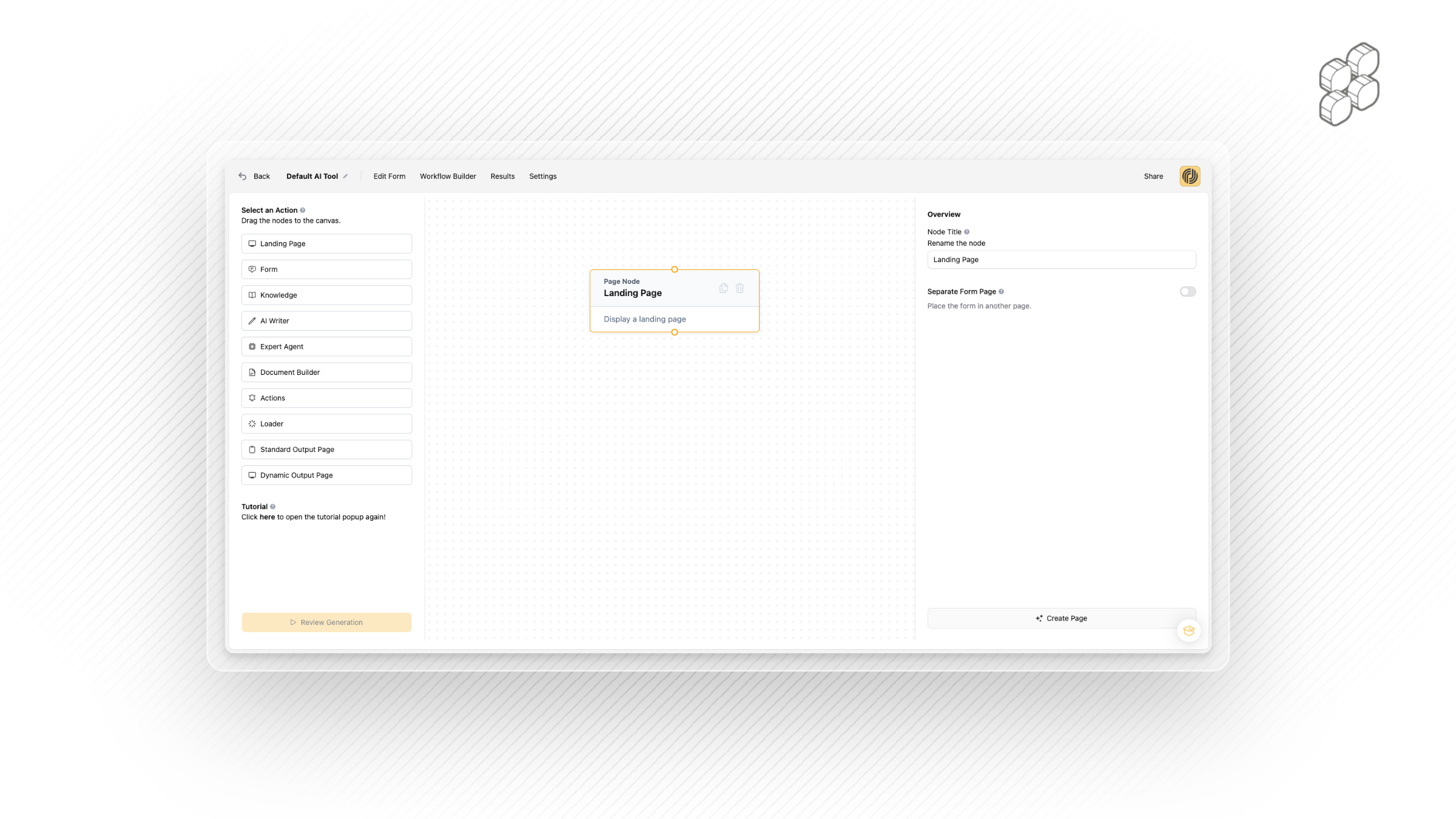
Welcome to the landing page builder! 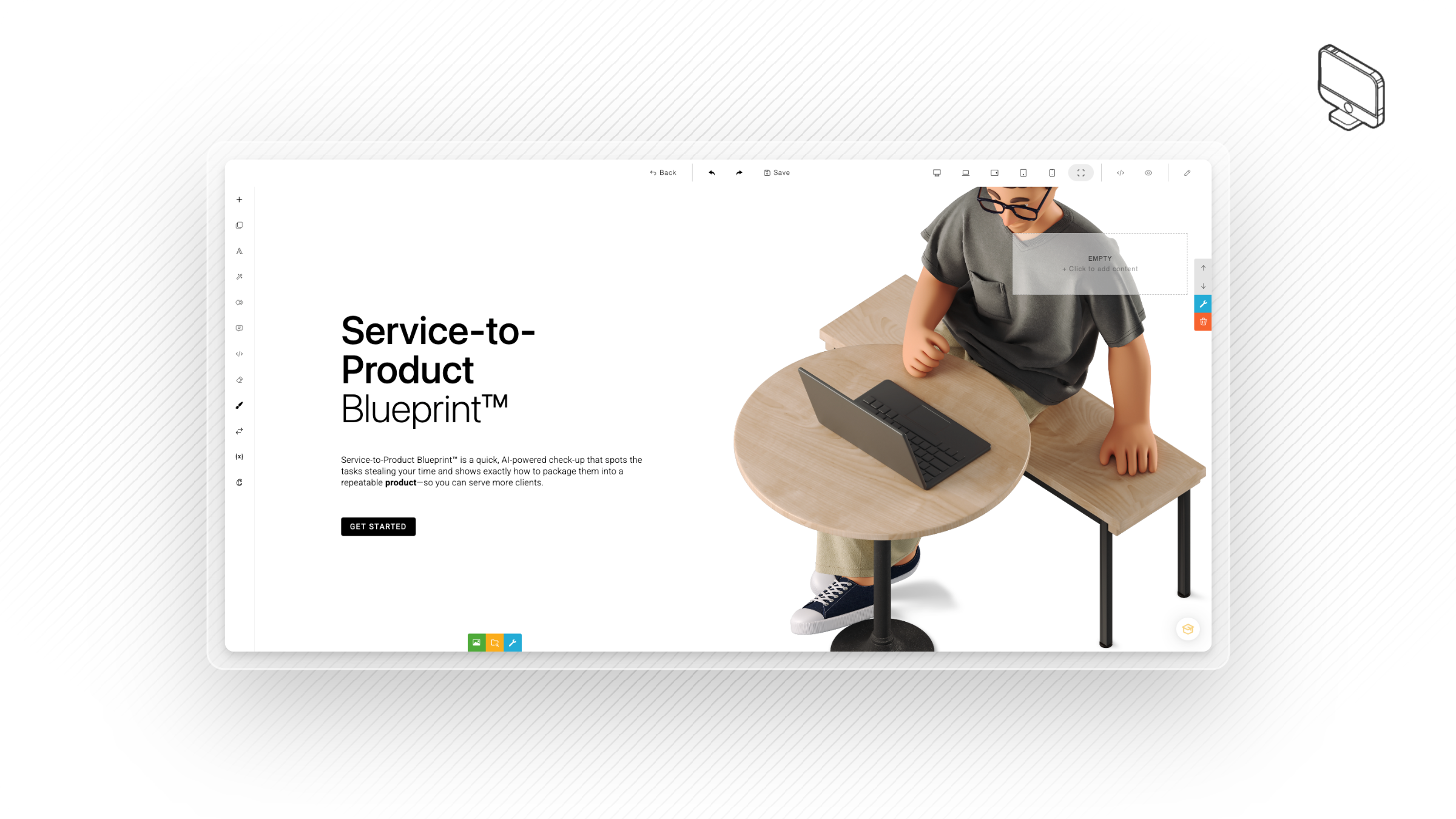
Start by adding your form (or if you used our product builder, check your form is correct on the page).
Manual add: Select form from menu and drag onto the landing page. 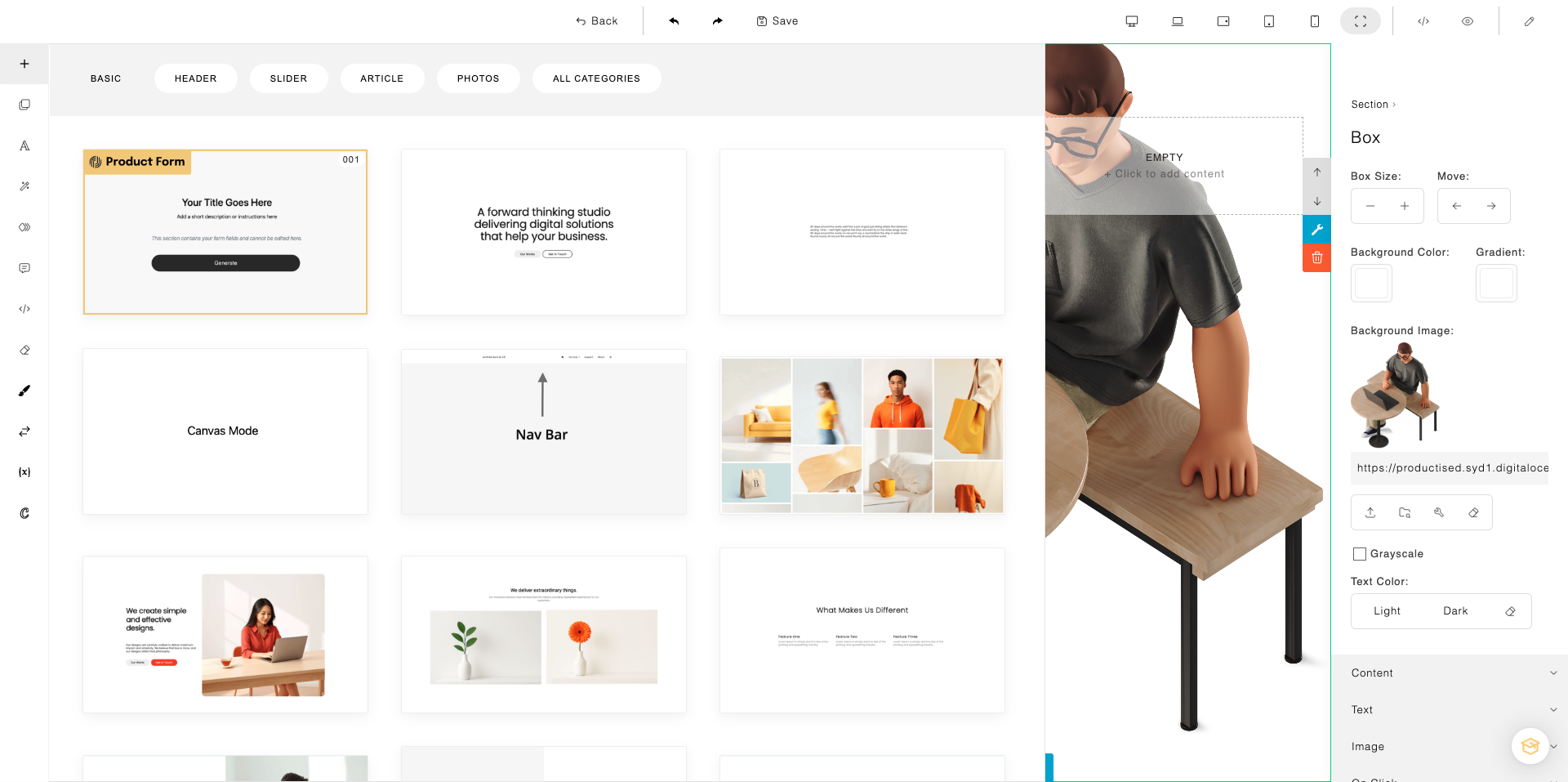
Pre-configured landing page and form - simply double check the form is correct, it should look like below: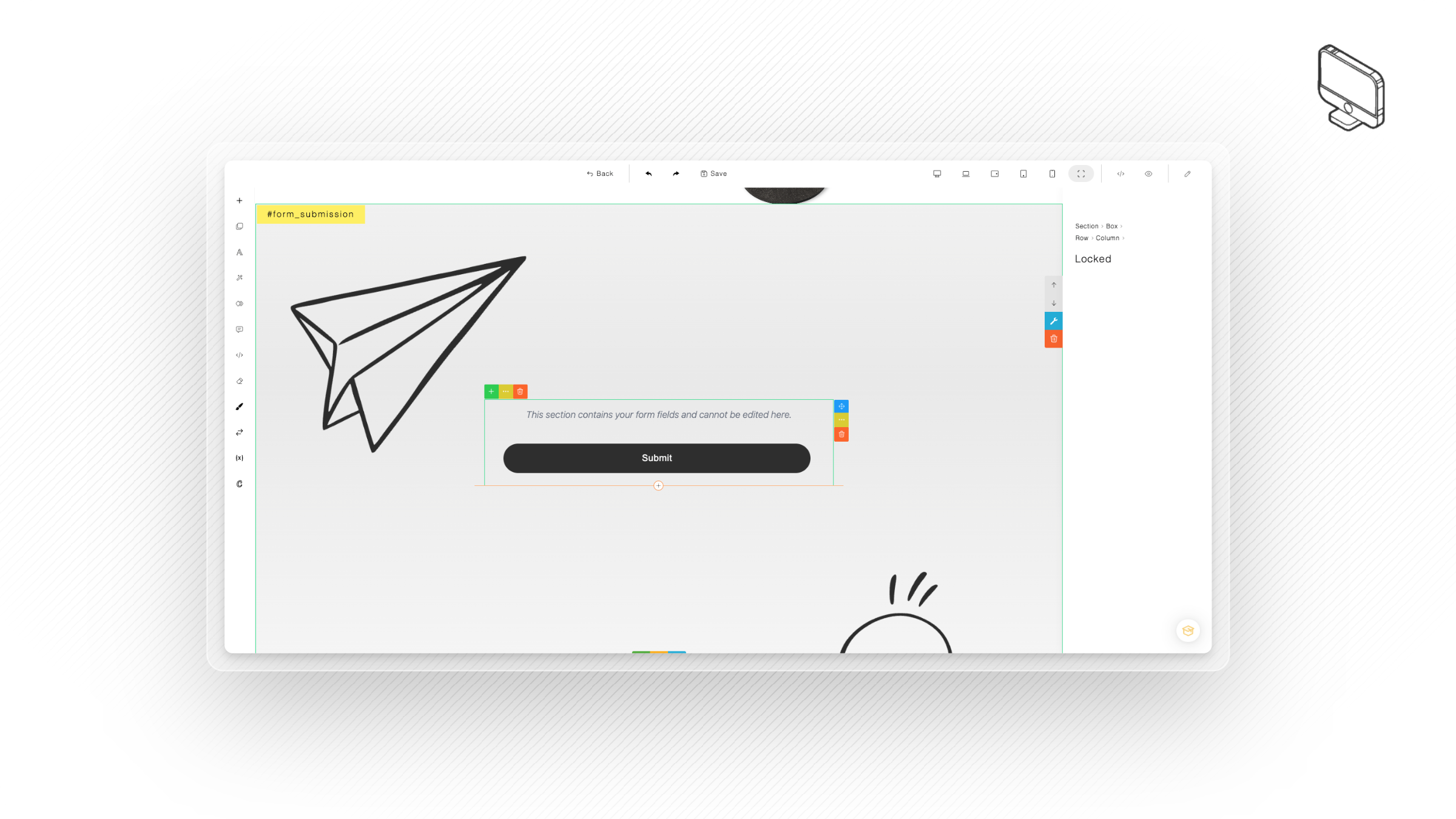
Now that your landing page and form is set up, you can design the page however you like, then move on to the next step!
Simply drag and drop items from the left panel, then hit save!