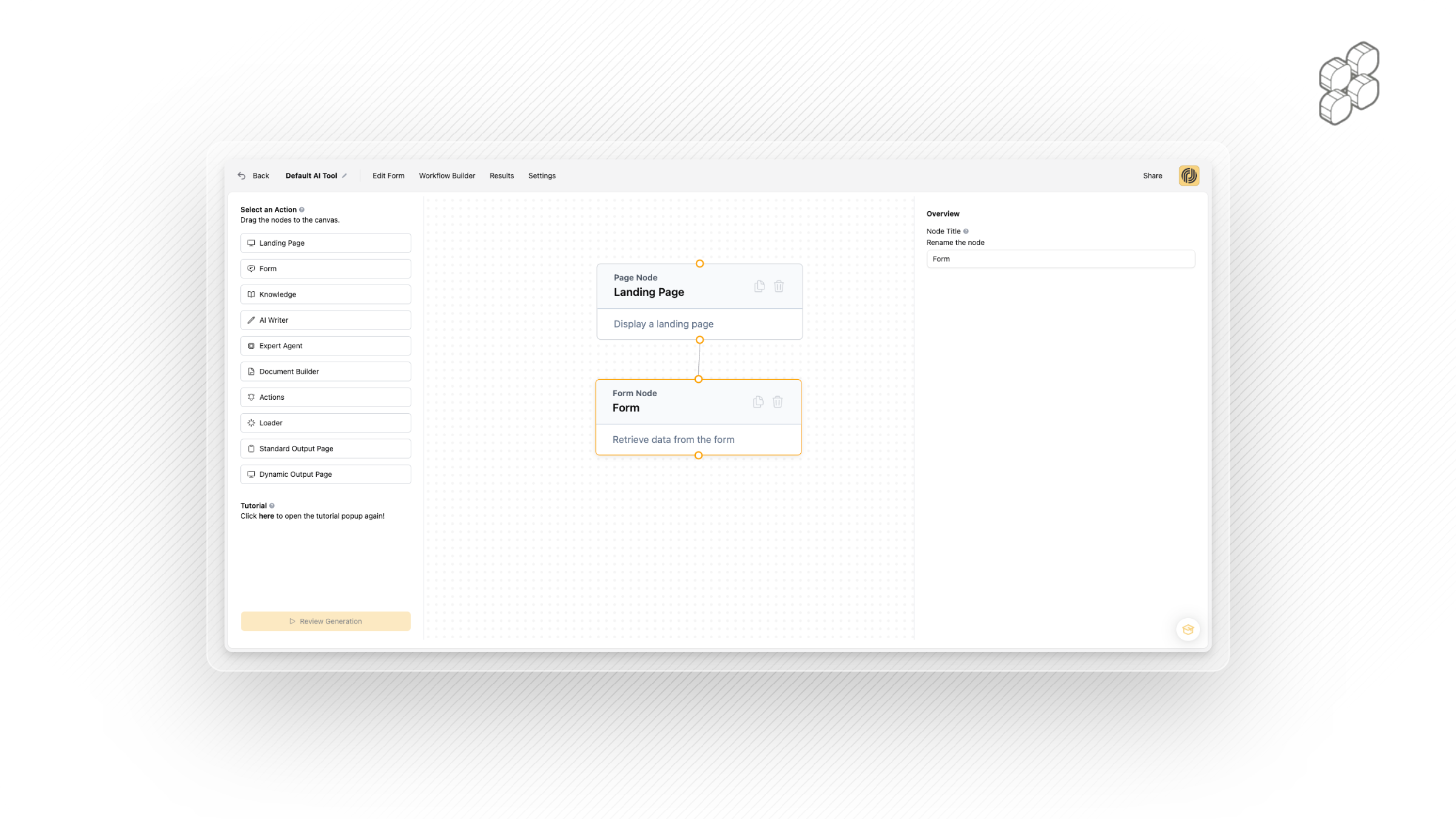
The Workflow Builder is the heart of Productised. This is where you connect all the moving parts — your forms, AI logic, knowledge, and outputs — into a seamless product experience. Think of it as your product’s control center.
- Our workflow nodes, or actions if you prefer, are best interpreted as the building blocks of your AI products.
- You can connect multiple nodes together manually, or use our product builder flow to have them configured for you.
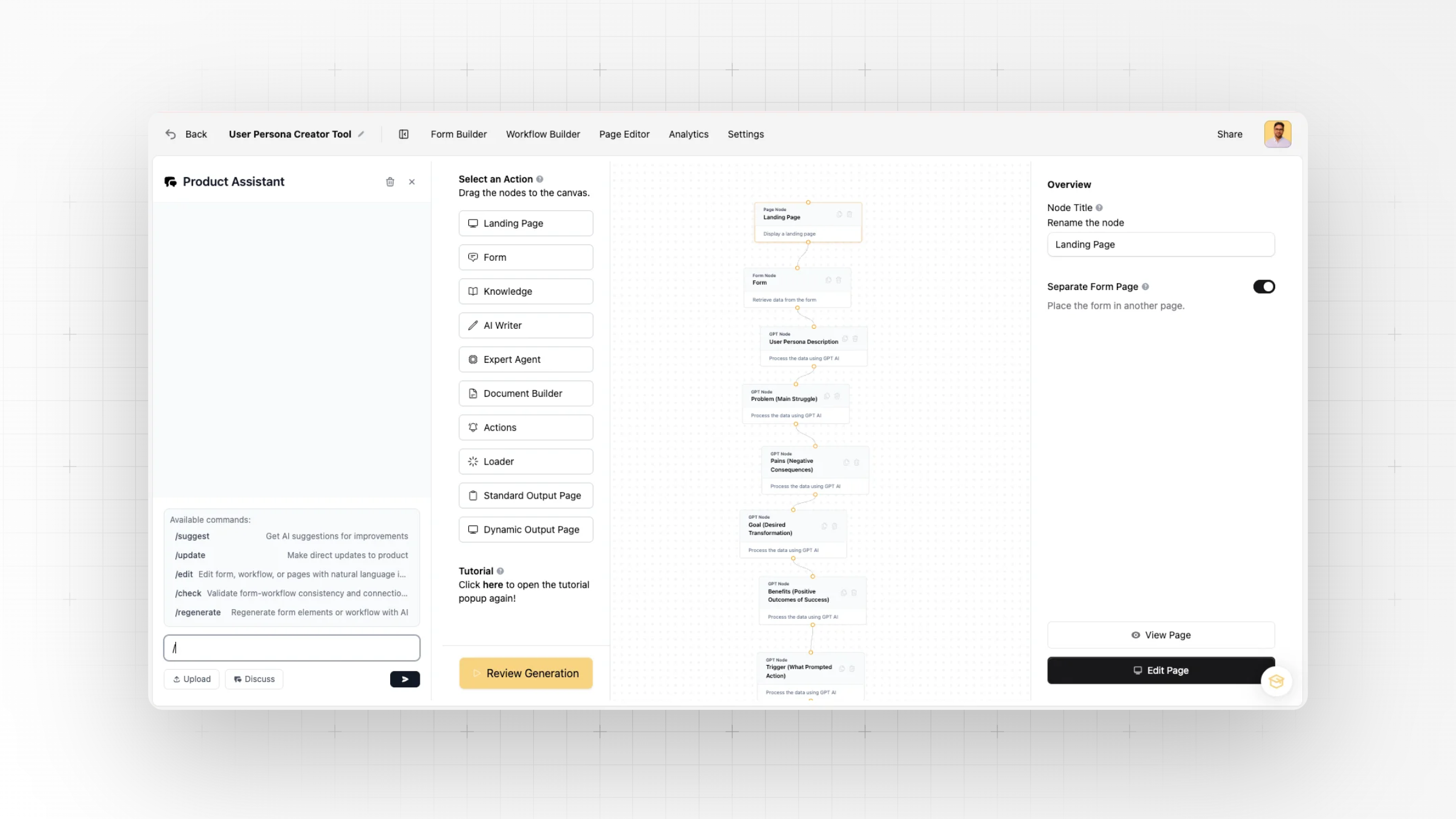
With a simple drag-and-drop canvas, you can chain together nodes that handle everything from data collection to AI generation, external integrations, and final outputs. Let’s explore the actions available:
1. Landing Page Node
The landing page is used as your display page for hosting the forms which function as the entry points to your AI Products. Simply edit or create a new landing page from the design pane on the right.
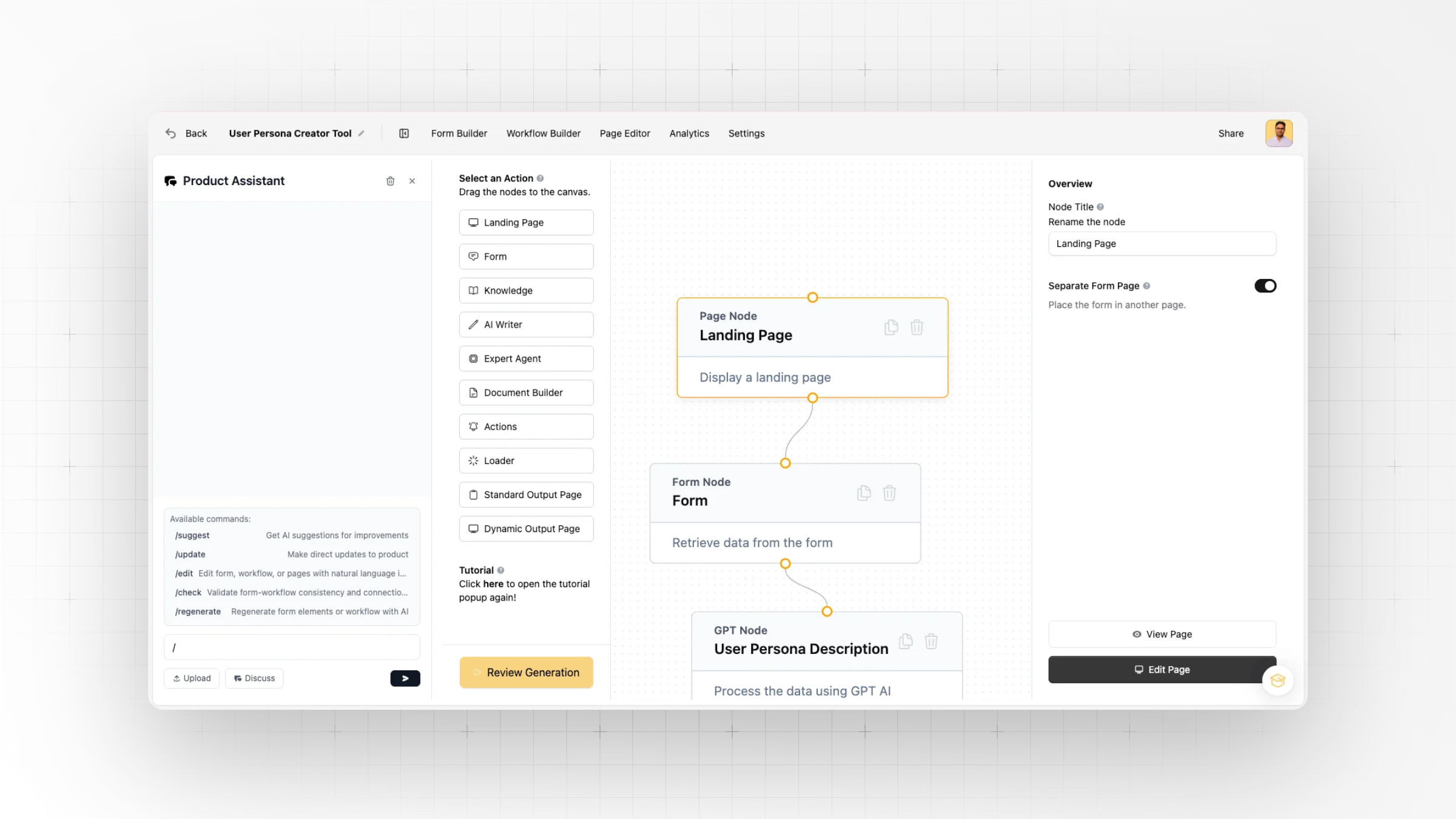
2. Form Node
Capture and retrieve data submitted through your form. This is the input layer that powers the entire workflow.
3. AI Writer Node
Generate content prompts and connect AI Writer nodes to form-driven prompt chains. This lets you transform user input into structured AI outputs.
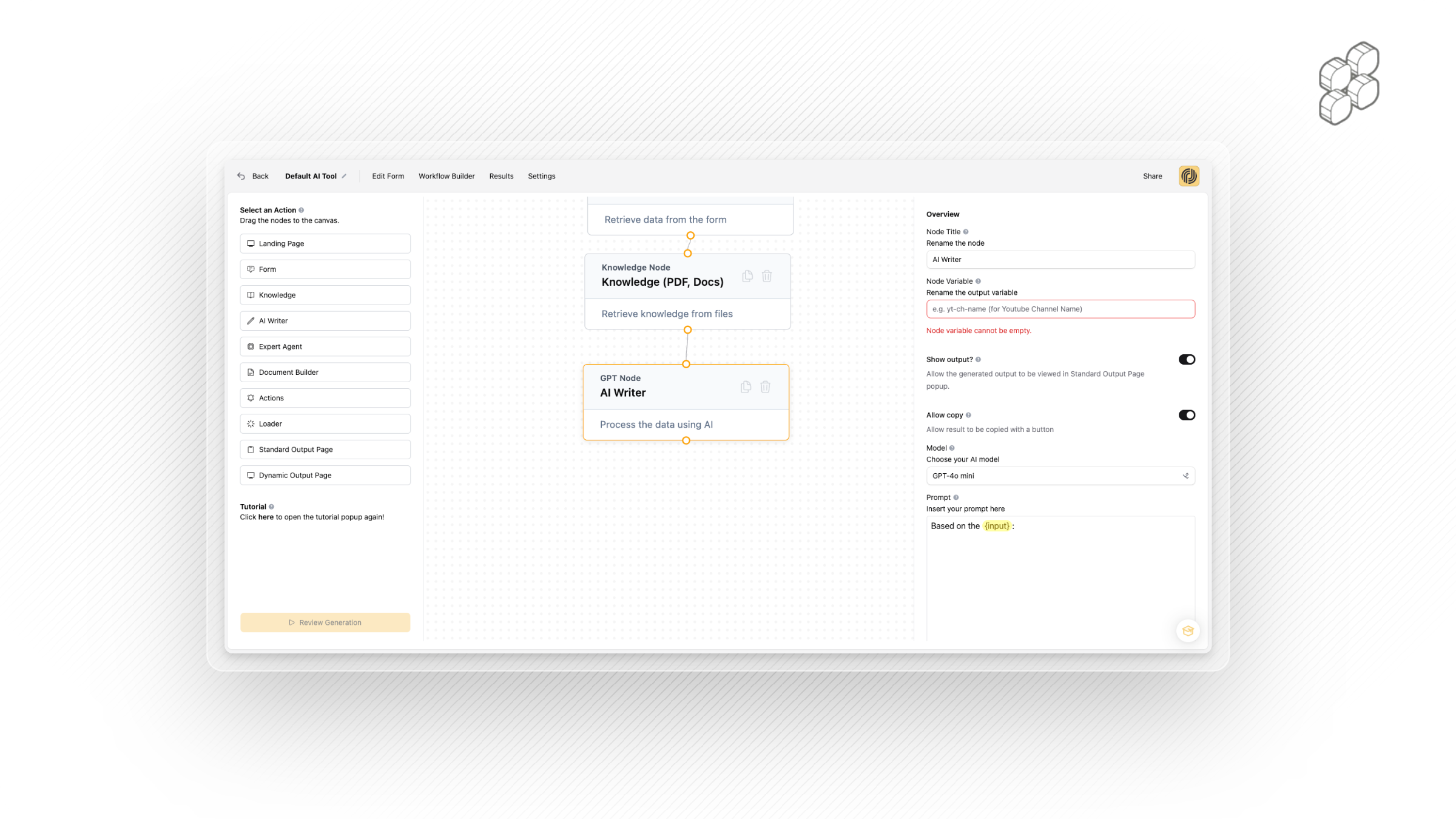
4. Expert Agent Node
For advanced users, the Expert Agent node allows you to plug in custom GPT logic and chain together complex prompts. It’s flexibility for those who want to push beyond standard AI writing.
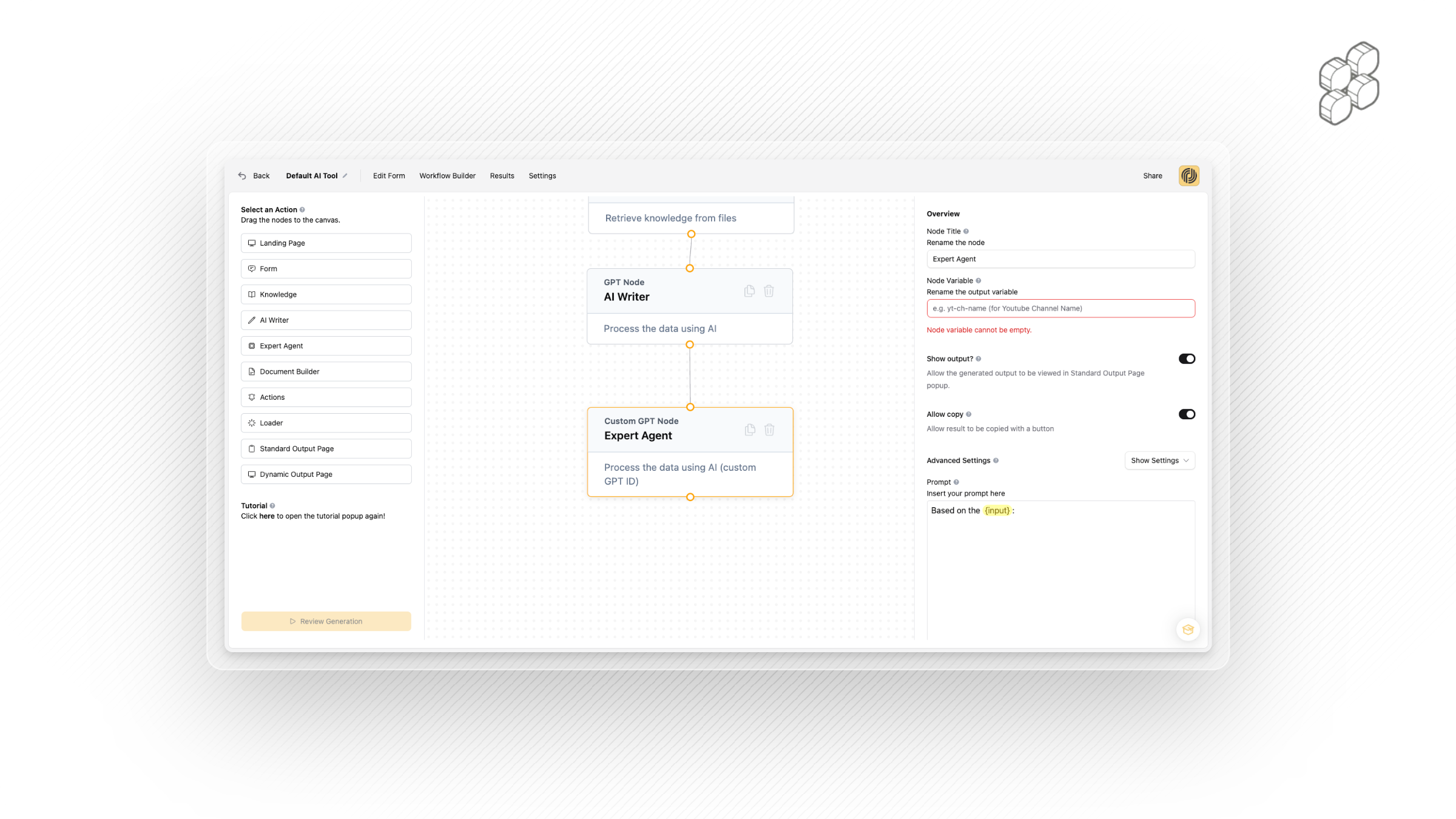
5. Actions Node
Set up incoming or outgoing webhooks to integrate with external systems. Perfect for advanced automation, CRM updates, or triggering third-party workflows.
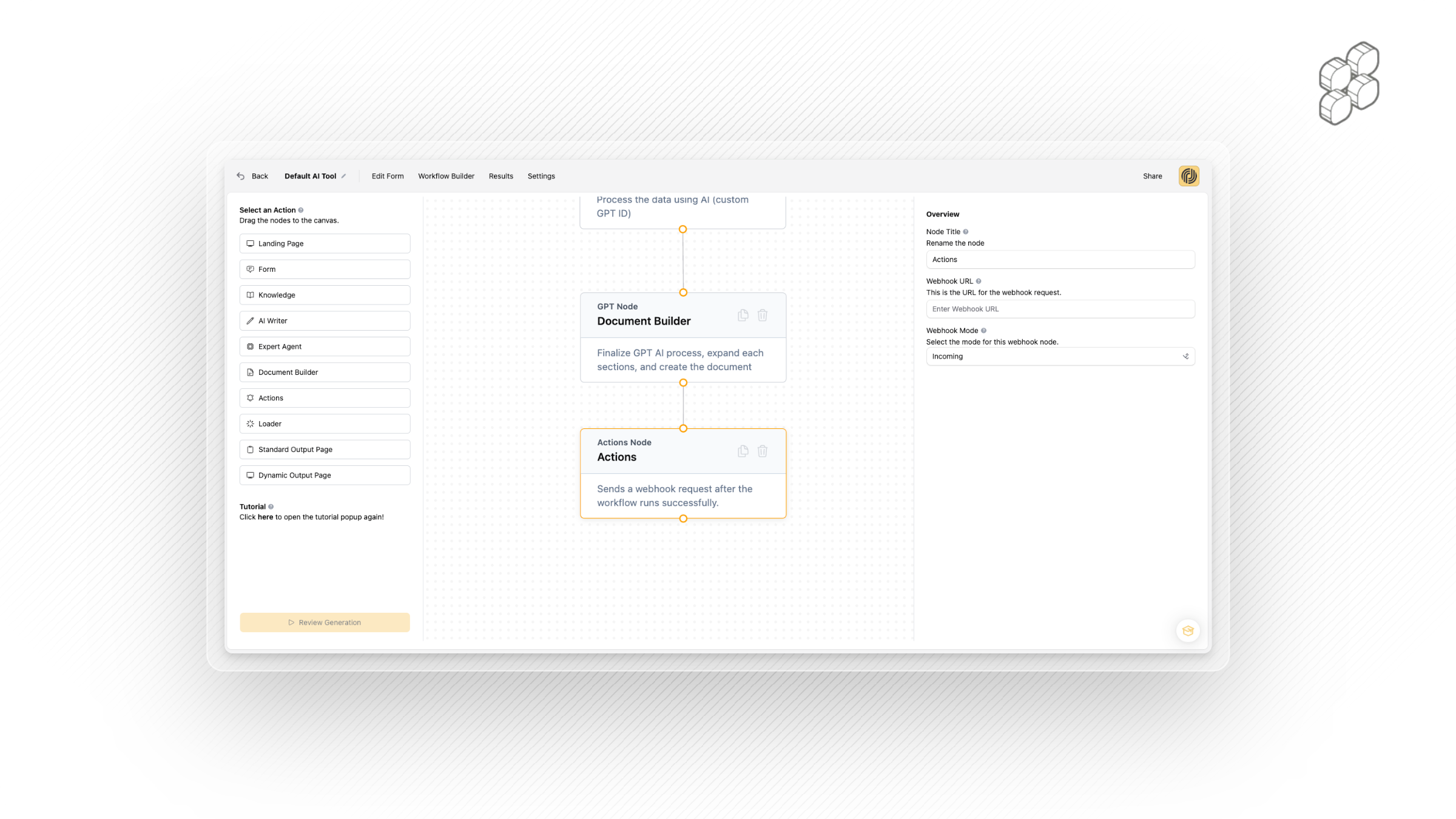
6. Loader Node
Customise the loading experience. Instead of a generic spinner, design an on-brand loader while the AI is generating.
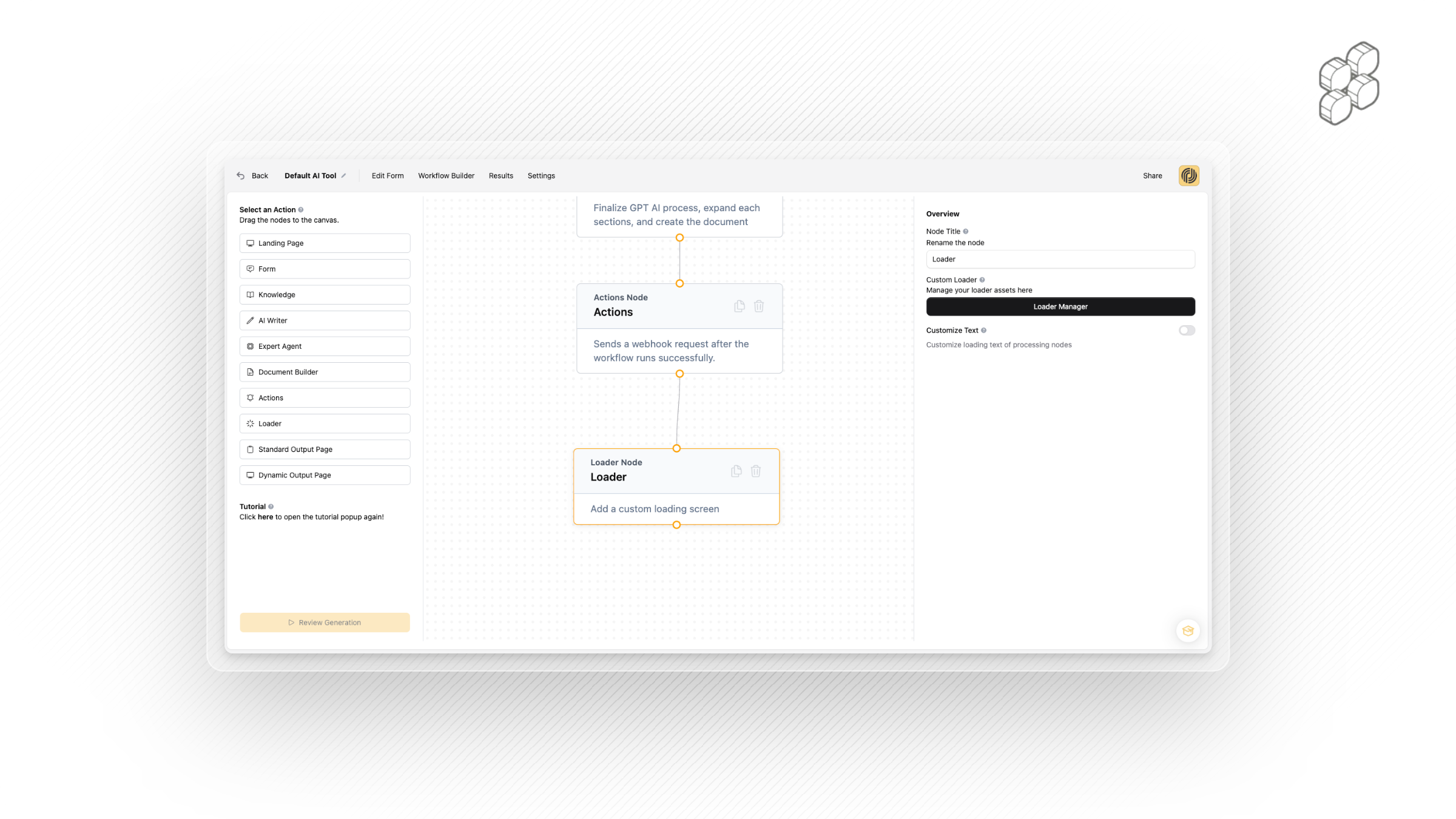
7. Standard Output Node
After form submission, display a popup with results users can copy instantly. This appears on the same landing page, making it quick and seamless.
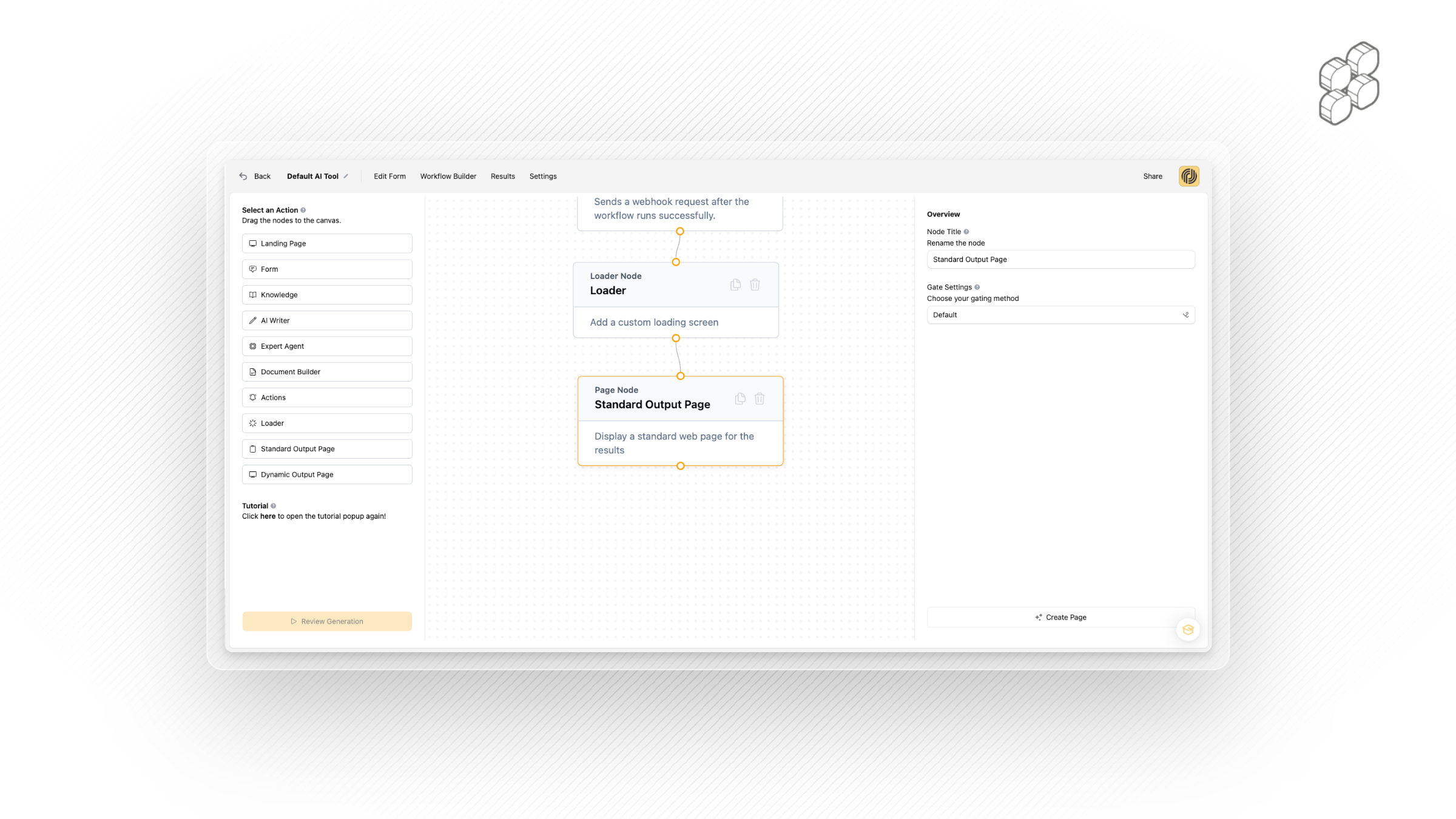
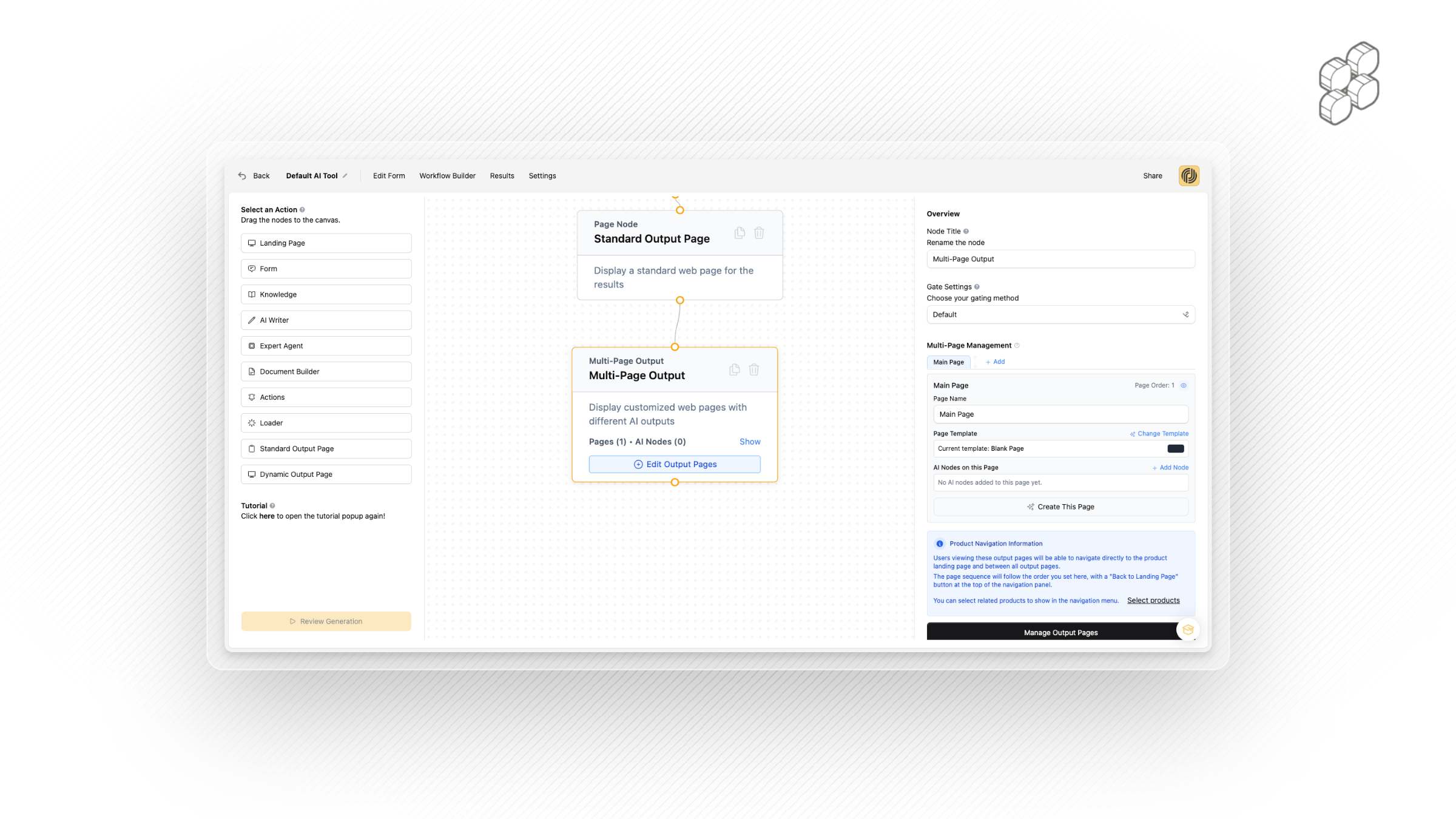
8. Dynamic Output Page with Multi-Page Functionality
Take things further with a fully customisable AI results page.
Spread outputs across multiple pages (e.g., Page 1: Overview, Page 2: Insights, Page 3: Next Steps).
An auto-generated menu allows users to navigate between sections.
Add gating to lock certain pages behind payments or access rules.
This makes your outputs feel like interactive products, not just static responses.
9. Structured Output (New) - Only for Multi-Page
One of the most powerful new features: structured output.
Instead of dumping a single block of AI text into your output pages, you can break an output into smaller fields like title, description, body, or key points.
Each field can then be mapped to a specific area of your output page using custom variables.
This turns raw AI text into designed experiences, perfectly aligned with your layout.
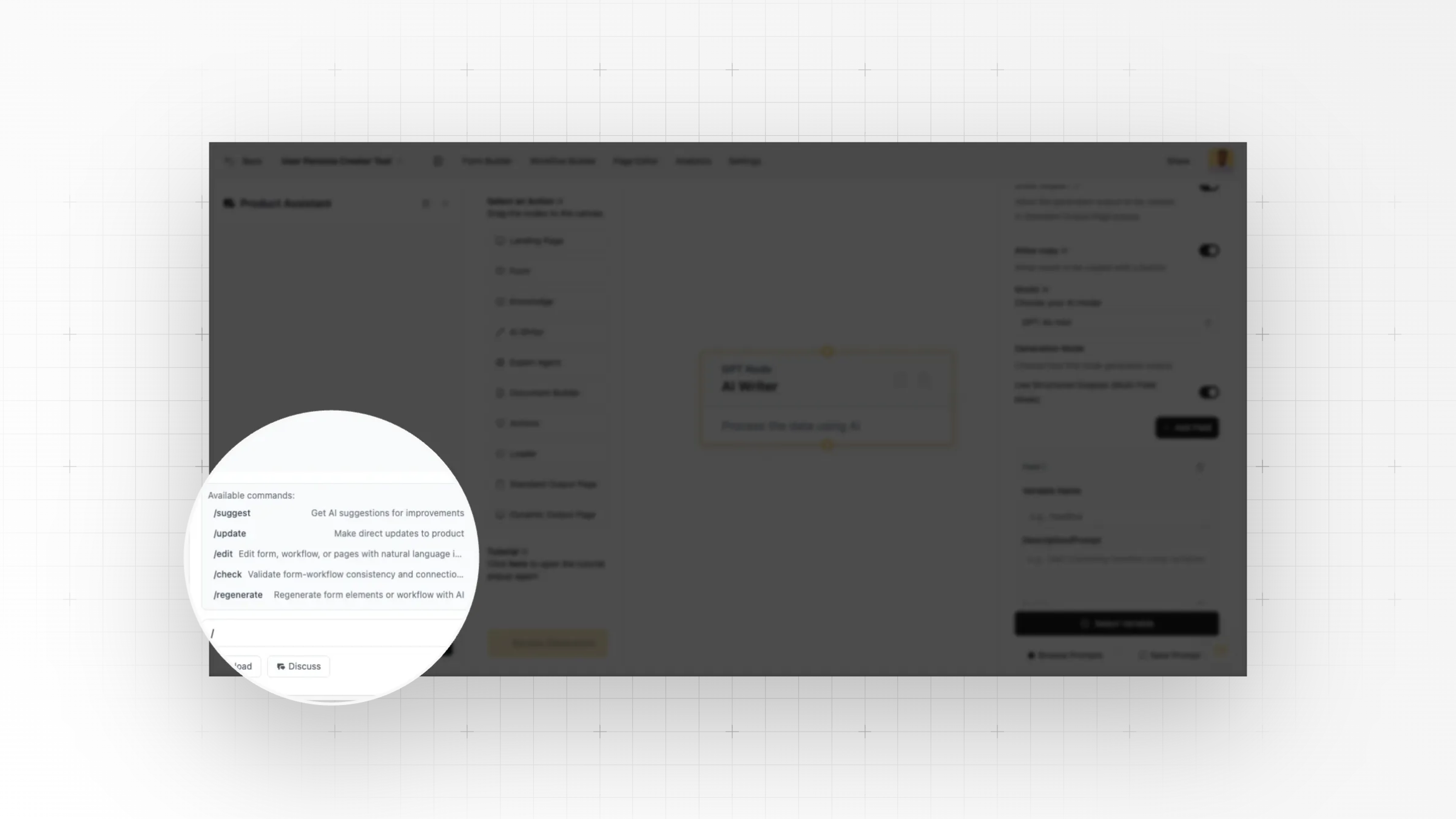
10. Product Assistant
The Product Assistant offers handy commands to help you build, edit, and navigate nodes in the workflow builder. It’s ideal for first-time users, and as you get comfortable, you can unlock even more power by working directly in the builder.